How do I upgrade my current subscription plan?
Use [Subscriptions] -> [Subscription] to compare the available plans, switch to a higher plan when it is available, or increase the resources on your current plan.
Entry:
- [My Profile] -> [Subscriptions] -> [Subscription]
Web
Step 1 Open [Subscriptions], then switch to [Subscription].
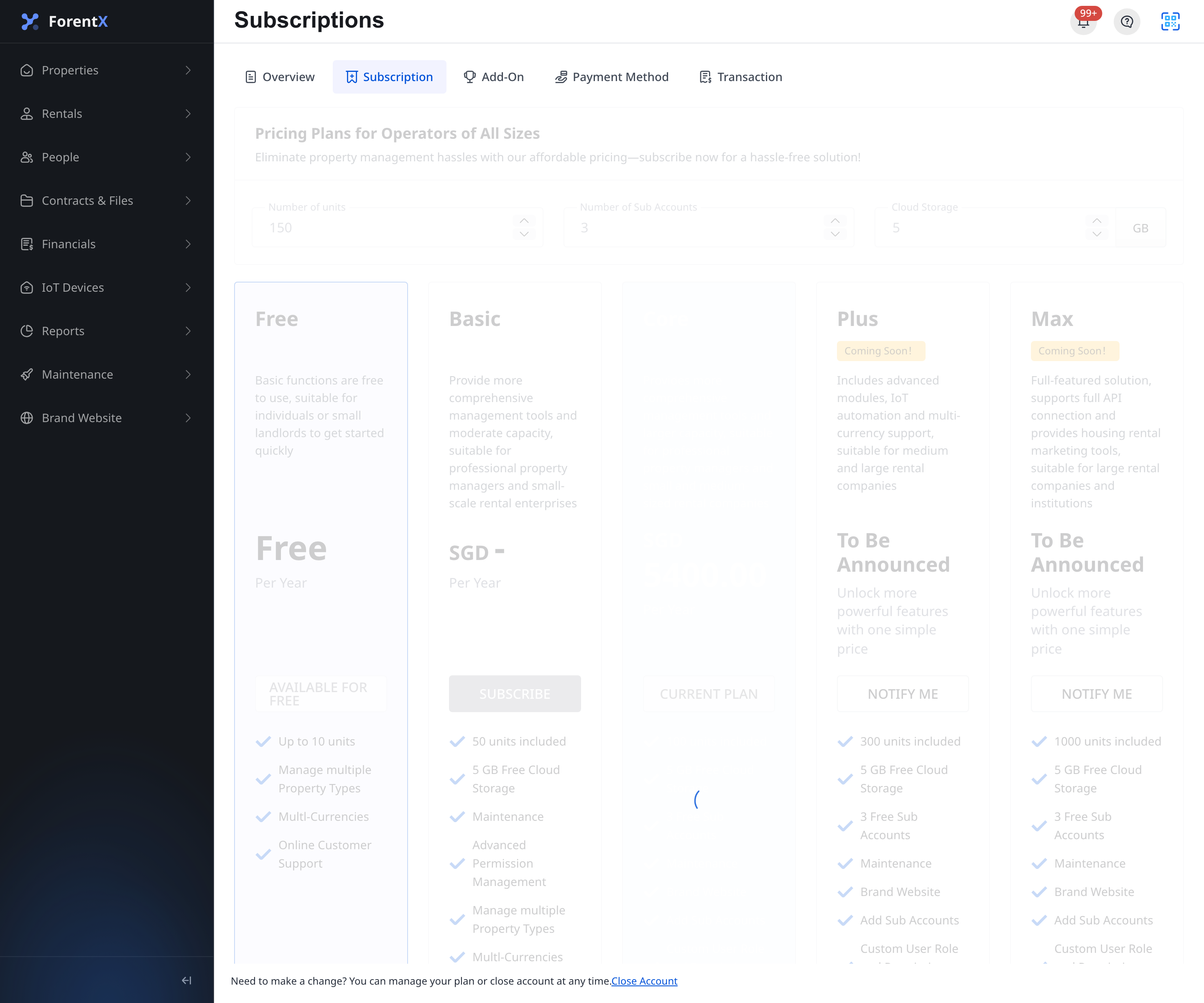
Step 2 Review the available plan cards and the current subscription controls.
- [Number of units]
- [Number of Sub Accounts]
- [Cloud Storage]
Step 3 Choose the upgrade path that matches what you need.
- To move to a higher plan, click a plan card that comes after your current plan.
- To expand the current plan, increase one of the supported quantities until the button on the current plan changes from [Current Plan] to [Subscribe].
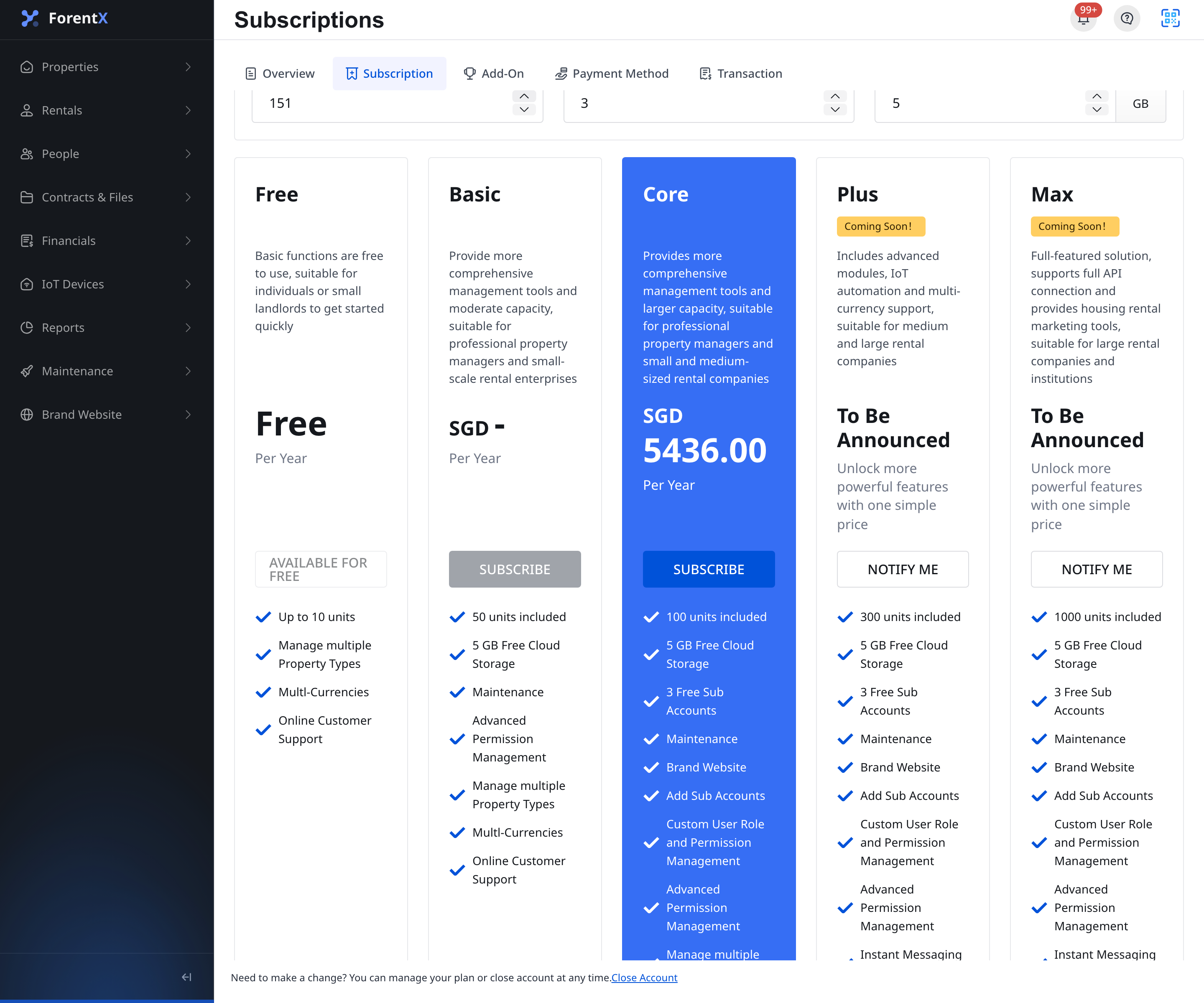
Step 4 When the plan and quantities are valid, click [Subscribe] to continue to the next payment step.
Note:
- This action is currently available on Web only. The operator App does not provide a subscription purchase page.
- Plans that are not yet open for purchase show [Notify Me] instead of [Subscribe].
- Plans before your current plan are not available for downgrade from this page.
- Review the order details before confirming payment. Your subscription changes only after the payment flow is completed successfully.