How do I view the detailed electricity usage records of a smart meter?
Use the [Energy Consumption] tab on the smart meter detail page to review dated electricity usage records.
Entry:
- [Smart Devices] -> [Smart Meters]
Web
Step 1 Open the smart meter detail page from [Smart Meters].
Step 2 Switch to [Energy Consumption].
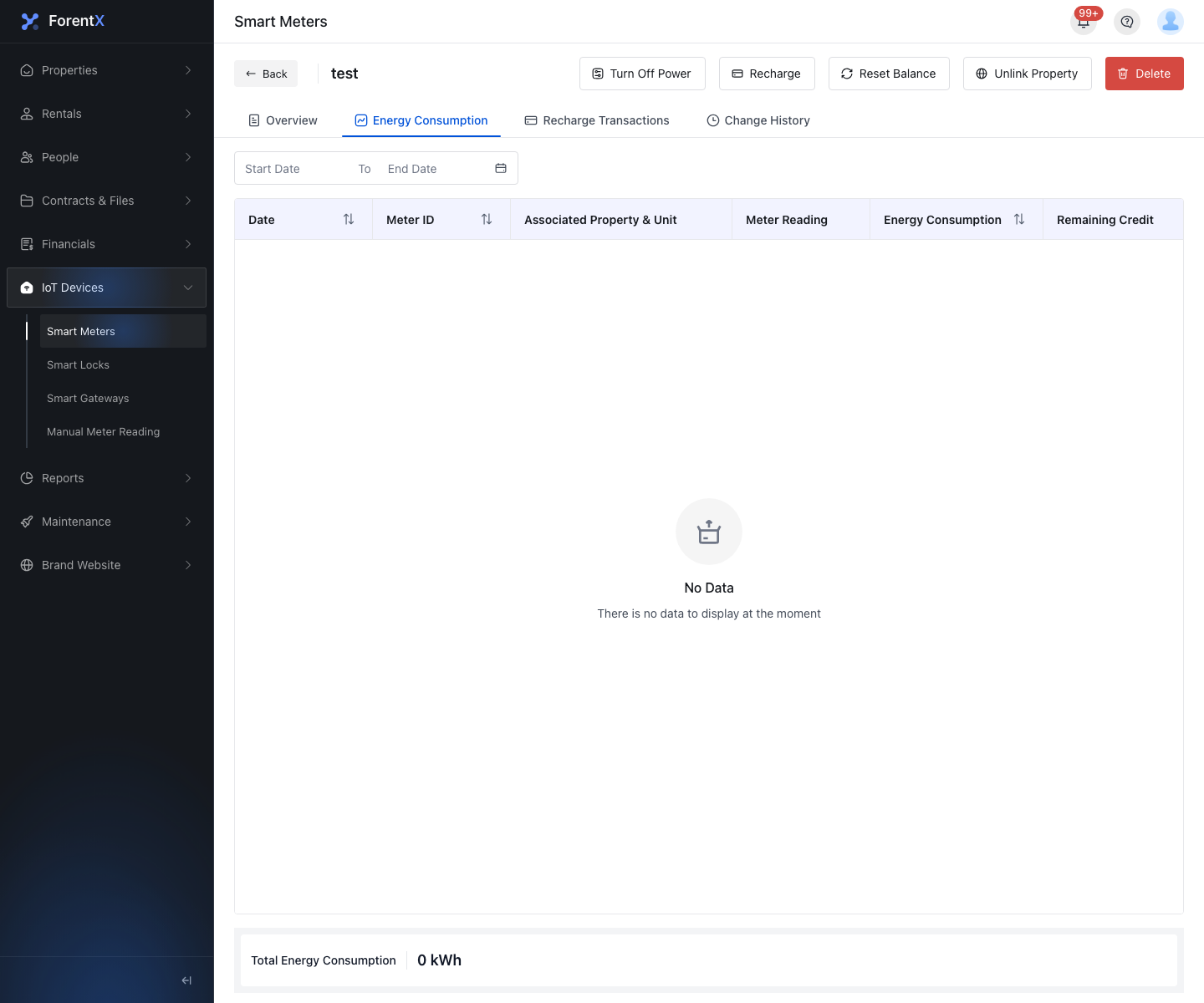
Step 3 Use the date filter and review the detailed record columns.
- [Date]
- [Meter ID]
- [Associated Property & Unit]
- [Meter Reading]
- [Energy Consumption]
- [Remaining Credit]
Note:
- This page shows detailed usage records for the selected smart meter only.
- If the selected date range has no matching records, the table shows no data instead of generating an estimated record.